
Matchday
•
Oct 28, 2026
How to sort availability before Saturday
Chasing replies on a Friday night is nobody's idea of fun. A simple weekly rhythm gets you a full squad list days before kick-off.
•
Nov 4, 2026
Drag players into position, save your favourite formations and share the team sheet with your squad in one tap. Here is how the new tactics board works.
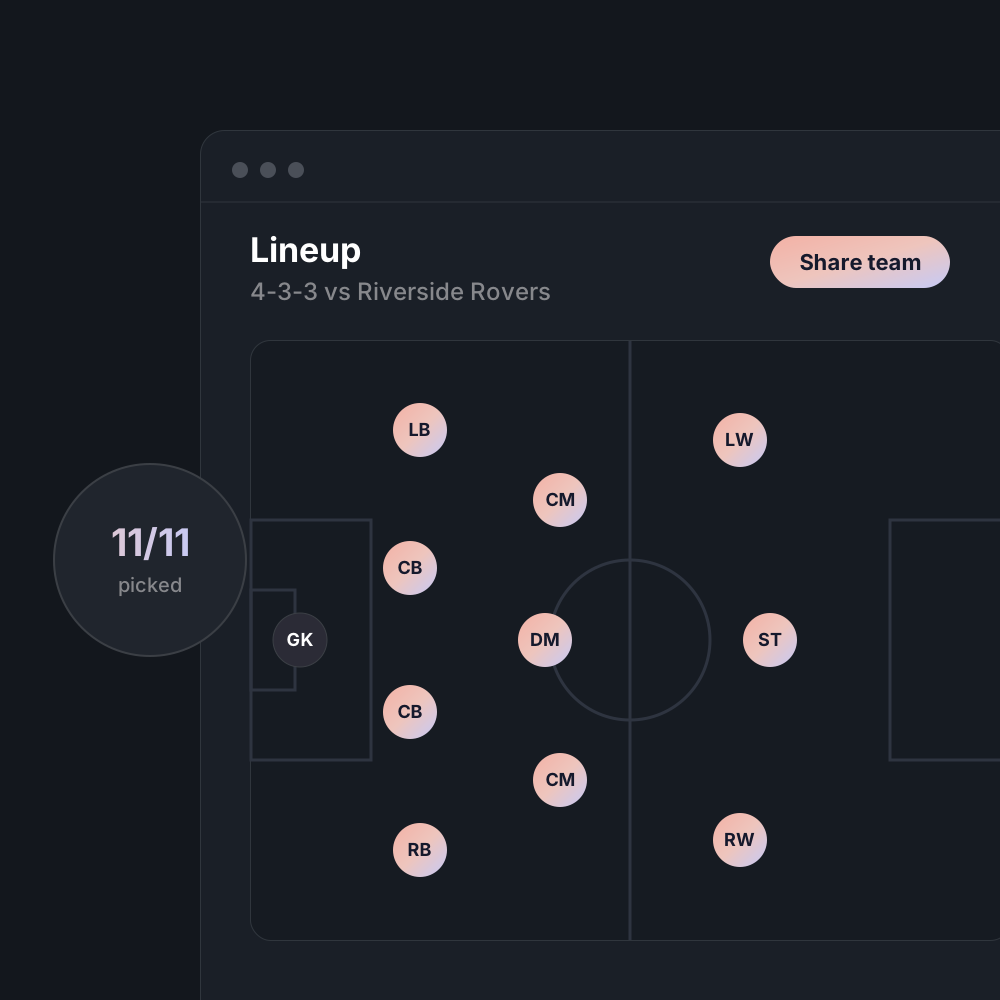


Picking a team should take five minutes at the kitchen table, not twenty in the car park. The new tactics board puts your available players and your formation on one screen, so you can build the lineup the moment replies are in.
The board only shows players who have said they are in for that fixture. Anyone marked as a maybe sits on the bench with a small flag, so you can decide whether to wait for them or plan around them.
Choose from common shapes for 5, 7, 9 and 11-a-side, or drag players anywhere on the pitch to create your own. Save any shape as a favourite and it will be ready for next week.
When you are happy, tap Share. Players and parents get a notification with the starting lineup, the subs and the meeting time, and the sheet stays pinned to the fixture so nobody has to scroll for it.
Join the coaches who run their fixtures, availability and subs on Ember. It's free for your first team.